Atlas Log-TH Temperature Humidity Data Logger
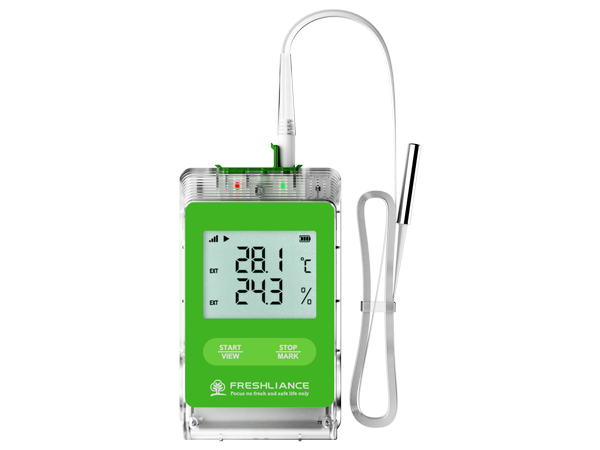
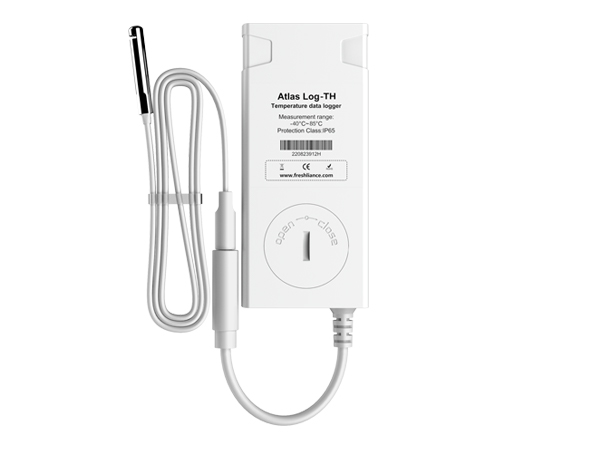
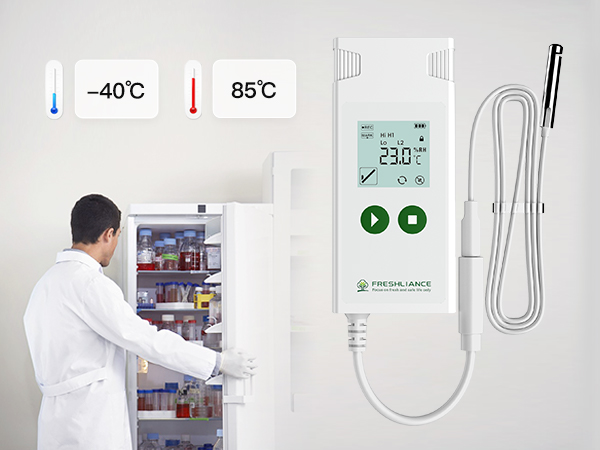
A reusable external-probe logger for dry ice, ultra-low freezers and specialist cold-chain applications. It combines real-time LCD status, configurable alarms, temporary reporting and automatic PDF/CSV output.
Introduction
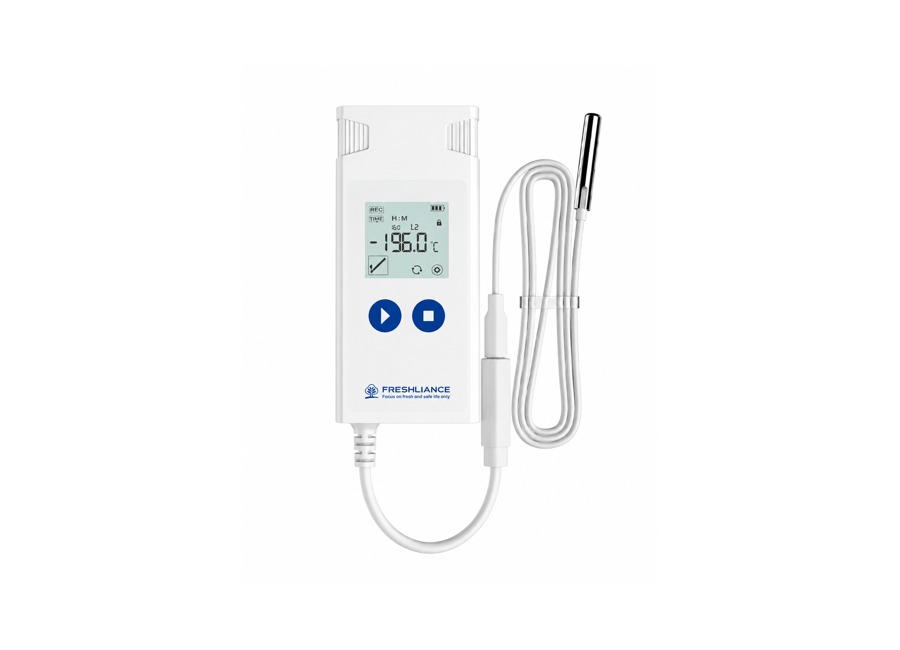
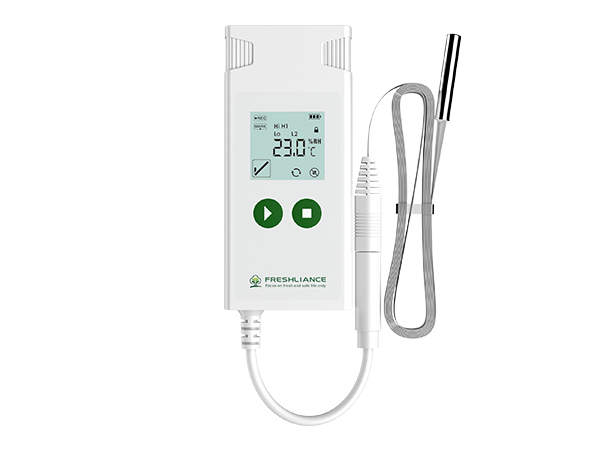
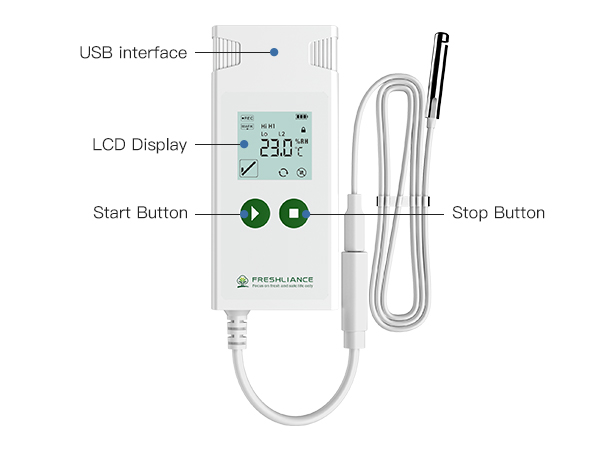
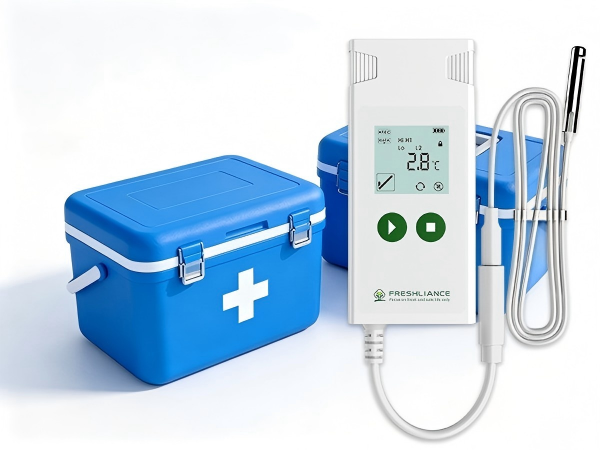
The Atlas Log-TH Temperature Humidity Data Logger is a configurable USB monitoring device designed to record both temperature and relative humidity during transportation, storage and laboratory operations. Its external probe can be positioned inside refrigerators, medical cold boxes, cabinets, containers and controlled chambers while the LCD display and controls remain easy to access.
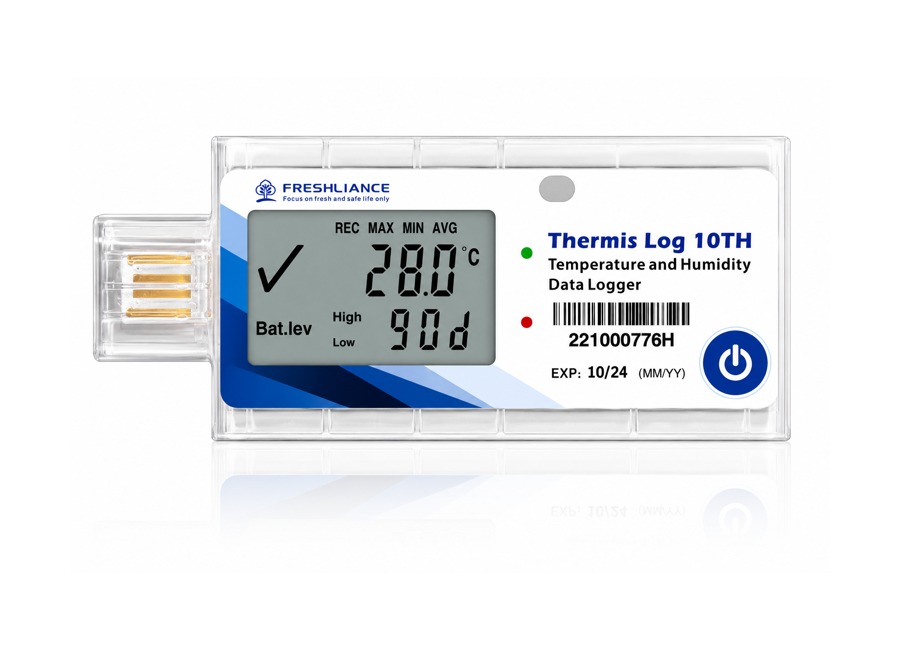
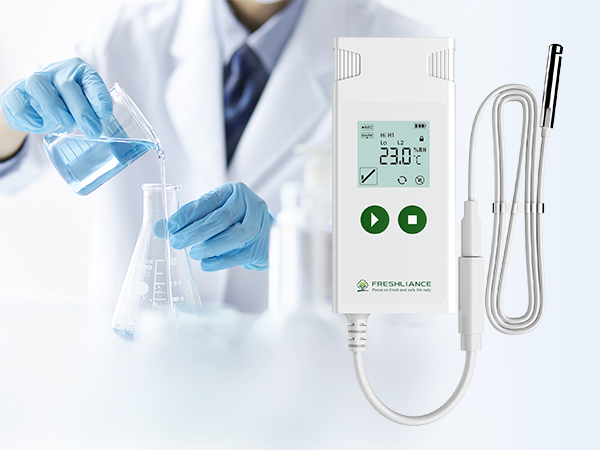
The logger supports single-use or multi-use operation and can be prepared before deployment with Freshliance Tools. Users can configure the logging interval, start delay, temperature and humidity alarm limits, report options and other operating parameters. The LCD provides real-time readings together with battery level, alarm status, maximum, minimum and average information.
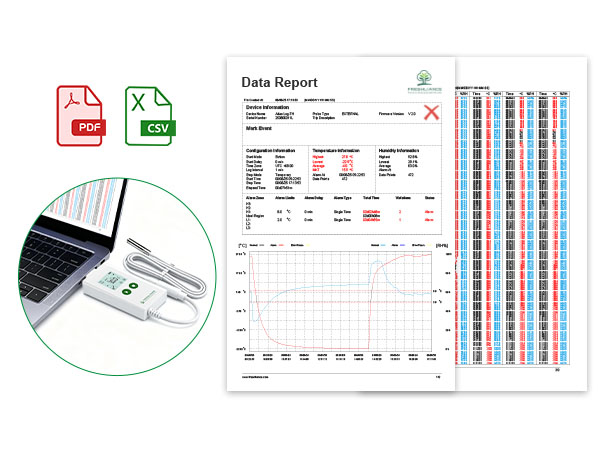
After the monitoring period, the device connects directly to a computer through USB and automatically generates PDF, CSV or combined PDF-and-CSV reports. Temporary report and pause functions support inspections during an active monitoring assignment without losing the complete recorded history.
Key Features and Benefits
Temperature and humidity monitoring
Records both environmental measurements for sensitive products and controlled facilities.
External probe
The probe can remain inside the monitored area while the logger display stays accessible outside.
Configurable operation
Set logging interval, start delay, alarm limits, report format and operating settings before use.
Automatic reports
Generate PDF, CSV or combined reports directly through USB without a separate reader.
Alarm points and event marks
Configure up to six alarm points and record up to nine important handling events.
Temporary report and pause
Review data during an active assignment and continue recording afterwards.
Real-time LCD display
View current readings, status, battery condition, alarms and recorded statistics.
Replaceable battery
Supports repeat monitoring assignments when configured for multi-use operation.
How the Product Is Used
Typical Applications
- Pharmaceutical and vaccine storage
- Medical cold boxes and refrigerated cabinets
- Laboratories and diagnostic reagents
- Biological products and life-science materials
- Food, fruit, seafood and temperature-sensitive products
- Cold-chain transportation and distribution
- Warehouse and controlled-room monitoring
- Quality verification and compliance documentation
Confirm the required operating range, probe type, calibration and single-use or multi-use configuration with Gee Gee Data Monitoring System EMS (Pty) Ltd before ordering.
Atlas Log-TH Specifications
| Product | Atlas Log-TH Temperature Humidity Data Logger |
|---|---|
| Type of Use | Single use or multi use, configurable |
| Temperature Range | -40°C to +85°C |
| Temperature Accuracy | ±0.5°C F.S. |
| Humidity Range | 0 to 100% RH |
| Humidity Accuracy | ±3% RH |
| Logging Interval | 1 minute to 24 hours, user configurable |
| Start Delay | 0 minutes to 24 hours, user configurable |
| Memory Capacity | Maximum 35,000 readings |
| Alarm Points | Maximum 6 points |
| Event Marks | Maximum 9 points |
| Report Format | PDF, CSV, or PDF and CSV |
| Connection | USB connector |
| Alarm Type | LCD display; optional buzzer alarm |
| Battery | 3.0 V CR2450 lithium battery, replaceable |
| Protection Class | IP65 |
| Compatible Operating Systems | Windows and macOS |
| Dimensions | 96 mm × 44 mm × 15 mm |
| Weight | Approximately 70 g |
| Probe | External pluggable temperature and humidity probe; cable options configurable |
| Standards | EN12830, HACCP, GSP and DO-160 applications |
Freshliance Tools-ETH
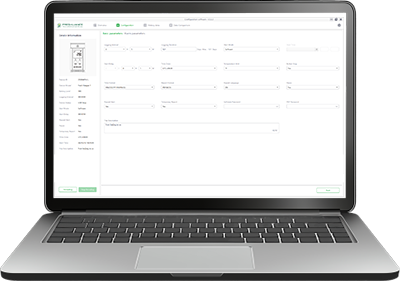
Freshliance Tools-ETH is desktop software designed for use with the Atlas Log-TH Temperature and Humidity Data Logger. It provides three main working areas: Summary, Graph and History.
On the Summary page, the software automatically identifies the connected logger and displays its device ID, model, recording type, sensor type, battery level, operating status and other device information. Users can then configure the logger according to the application, including start mode, start delay, time zone, time format, logging interval, report format, PDF or software password, and high and low alarm limits.
During or after recording, users can reconnect the device to review statistical information. The Graph page provides a clear time-versus-temperature and humidity chart that can be saved as a PNG file. It also displays the complete recorded data list and summary, with export options for PDF, CSV and TXT reports.
The History page keeps a record of devices previously read by the software, making it easier to manage repeated monitoring activities and retrieve earlier logger information.
Automatic device recognition
Identifies the logger model, device ID, sensor type, battery level and operating status as soon as it is connected.
Complete configuration
Set start mode, delay, time zone, logging interval, report format, passwords and alarm thresholds.
Graph and data analysis
Review time-based temperature and humidity graphs, recorded data and statistical summaries.
Flexible report export
Save graphs as PNG files and export monitoring reports in PDF, CSV and TXT formats.